
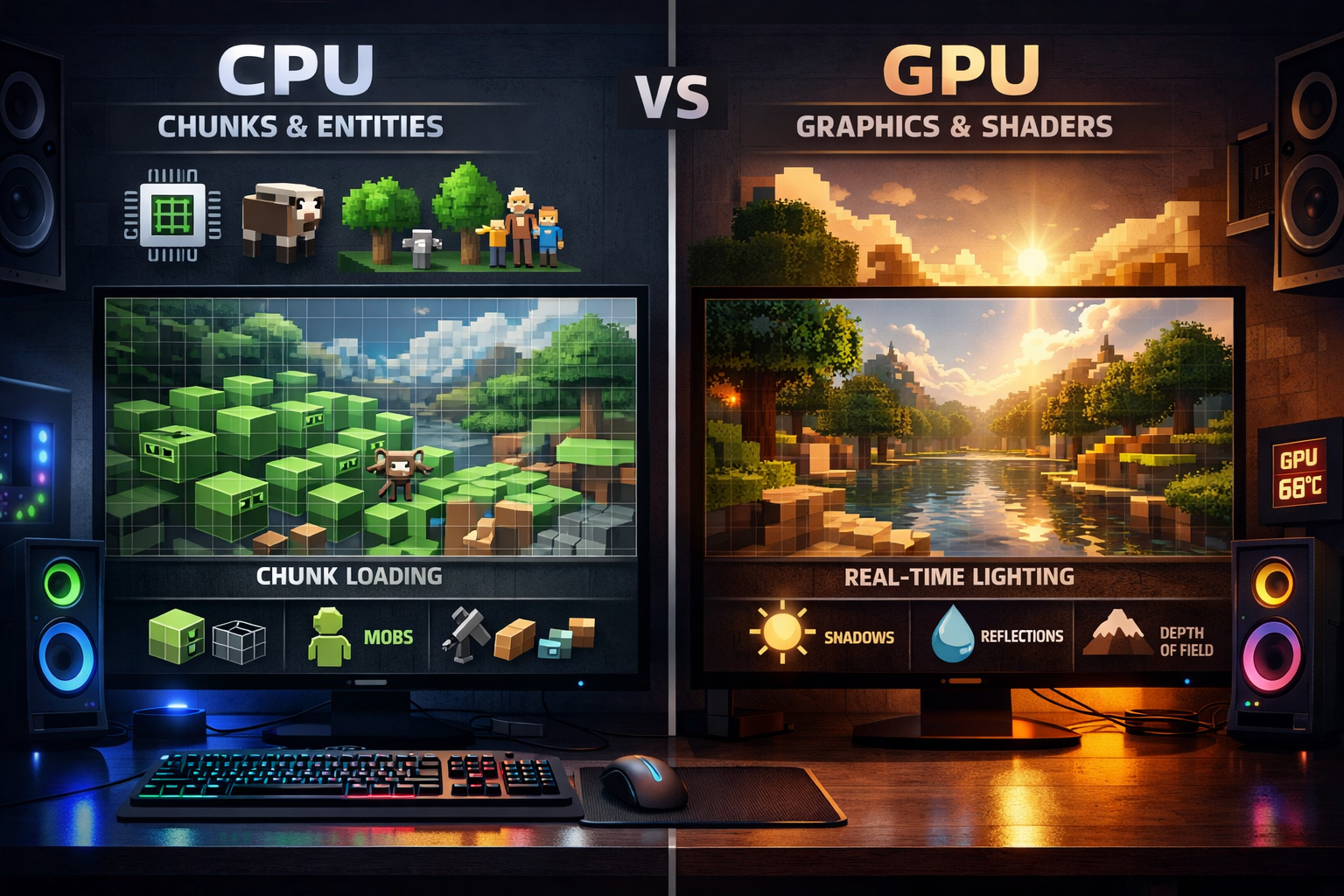
Minecraft is mainly CPU-intensive. Your CPU handles world generation, entities, and game logic, while the GPU focuses on graphics. For better performance, a strong CPU matters more than a GPU, unless you use shaders or high-end visual settings.
In this guide, you will clearly understand how Minecraft uses your hardware and what you can do to improve performance and get smoother gameplay.
How Minecraft Actually Uses Your Hardware?
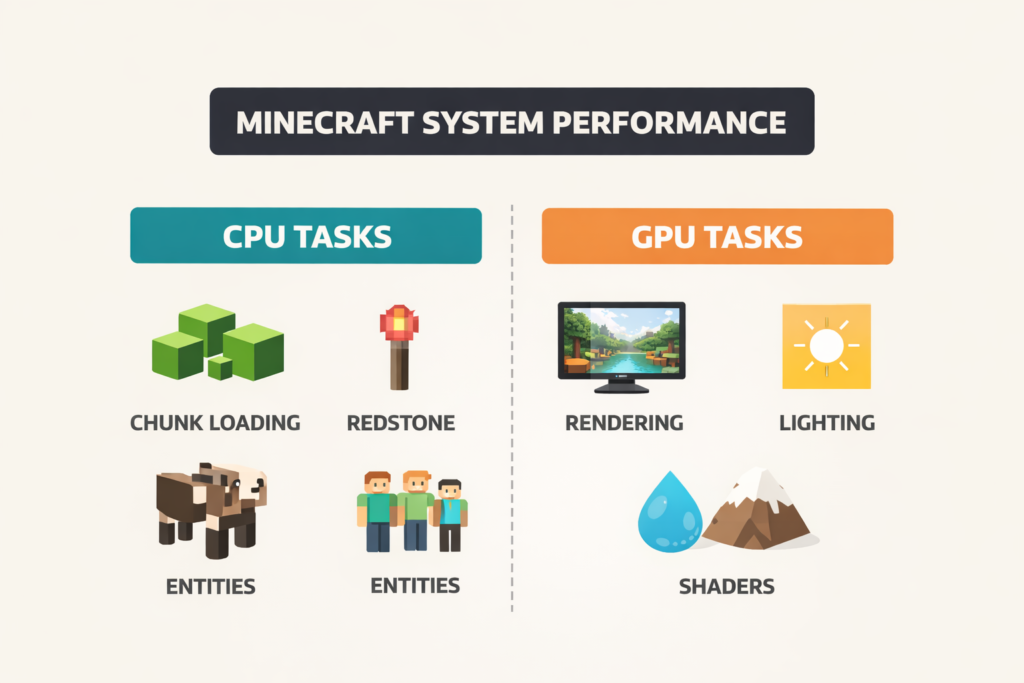
Is Minecraft CPU or GPU-intensive? To truly understand performance, you need to look beyond CPU vs GPU and focus on how tasks are distributed internally.
CPU Responsibilities (Core Engine Workload)
The CPU is responsible for almost everything that makes the game function:
- Chunk Generation & Loading: Creating and loading terrain in real time as you explore
- Game Tick Processing: Minecraft runs at 20 ticks per second, updating thousands of elements each cycle
- Entity Calculations: Mob AI, pathfinding, collisions, and interactions
- Redstone Logic: Complex circuits, farms, and automation systems
- Physics & Block Updates: Gravity (sand, gravel), fluid behavior, and block changes
These operations are calculation-heavy and cannot be offloaded to the GPU.
Learn how to monitor your CPU heat here: How to Monitor CPU Temperature
GPU Responsibilities (Rendering Pipeline)
The GPU handles everything visual:
- Rendering blocks, textures, and models
- Lighting, shadows, and fog
- Anti-aliasing and resolution scaling
- Shader effects (reflections, global illumination, volumetric lighting)
Without shaders, Minecraft’s GPU load is relatively low compared to modern AAA games.
Check this guide: How Much GPU Usage Is Normal
Why Minecraft Is Fundamentally CPU-Intensive?
Unlike most modern games that distribute workloads across multiple cores, Minecraft Java Edition relies heavily on a primary thread.
This creates a major limitation:
- Even if you have a high-core CPU (8 to 16 cores), Minecraft may only fully utilize 1 to 2 cores
- Performance depends more on clock speed and IPC (Instructions Per Cycle) than core count
Want a deeper technical understanding of how Minecraft actually processes game updates?
Minecraft runs on a fixed tick system. Learn how it works here: Minecraft Wiki
What Happens Every Tick (20 Times Per Second):
- Thousands of blocks are checked and updated
- Entities are recalculated
- New chunks are generated (if moving)
- Redstone systems execute logic
This constant simulation loop is what makes the CPU the bottleneck.
CPU vs GPU Usage in Real Gameplay Scenarios:
Performance shifts depending on how you play.
Confused about what GPU-bound actually means?
Read this explanation: What Does GPU Bound Mean
CPU-Dominant Situations:
- Exploring new terrain (chunk generation spikes)
- Running large farms or mob grinders
- Complex redstone builds
- Multiplayer servers (server-side calculations)
- High simulation distance
GPU-Dominant Situations:
- Using shaders (SEUS, BSL, Complementary)
- Playing at 1440p or 4K resolution
- High render distance with fancy graphics
- High-resolution texture packs
Real-world example:
A mid-range GPU with a weak CPU will still lag in large worlds, while a strong CPU with a basic GPU can run vanilla Minecraft smoothly.
Java vs Bedrock Edition (Critical Performance Difference)
Java Edition:
- High CPU dependency
- Limited multi-threading
- Mod support but heavier resource usage
- More prone to frame drops and stuttering
Bedrock Edition:
- Better optimized engine (C++ based)
- Efficient multi-core usage
- Lower CPU overhead
- Smoother performance on low-end systems
If performance is your priority, Bedrock is technically superior. If flexibility and modding matter, Java is still dominant.
Understanding CPU Bottlenecks in Minecraft:
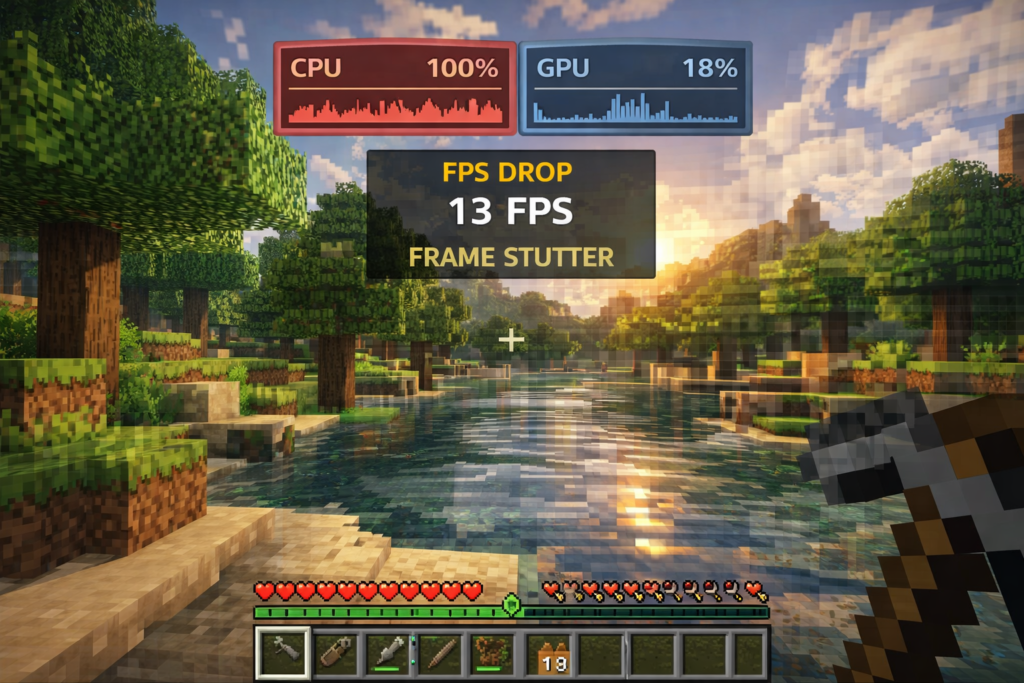
A CPU bottleneck occurs when your processor cannot keep up with the game’s simulation demands.
Clear Signs:
- CPU usage is near 100%
- GPU usage below 50%
- FPS drops during chunk loading
- Stuttering despite a strong graphics card
Common Causes:
- Render distance above 12–16 chunks
- Excessive entity counts (farms, mobs, items)
- Heavy modpacks
- Weak single-core performance
In this state, your GPU is effectively waiting for the CPU.
Why do you get low FPS, Even With Low Usage?
This is one of the most misunderstood issues.
If both CPU and GPU usage are low, the limitation is often elsewhere:
- FPS cap or VSync restricting output
- Java garbage collection is causing micro-stutter
- Insufficient or misconfigured RAM allocation
- Background processes interrupting performance
- Disk I/O delays during chunk loading
This is not a hardware limitation; it is a configuration issue.
Advanced Optimization: Reducing CPU Load:
To improve performance, you must reduce the CPU’s workload.
High-Impact Optimizations:
- Lower render distance (8 to 12 chunks ideal)
- Reduce simulation distance
- Limit entity counts in farms
- Avoid unnecessary redstone complexity
- Close background applications
Software-Level Improvements:
- Use Sodium (best for performance)
- Use OptiFine (balanced optimization)
- Update Java runtime
- Use performance-focused launchers
These changes can result in 30 to 70% FPS improvement depending on the system.
Can Minecraft Be Made GPU-Intensive?
Not entirely, but you can shift more workload to the GPU.
How to Increase GPU Utilization:
- Enable shaders
- Increase resolution (1080p → 1440p → 4K)
- Use high-quality texture packs
- Enable advanced graphics settings
This improves visuals but does not eliminate CPU limitations.
Hardware Upgrade Strategy (What Actually Matters)
If You Play Vanilla:
Prioritize a high clock-speed CPU
- Example: Modern Intel i5 / Ryzen 5
If You Use Shaders or Mods:
Balance CPU + GPU
- Strong CPU + mid/high GPU
RAM Recommendations:
- 8GB (vanilla)
- 16GB (modded)
- Allocate 4 to 6GB to Minecraft
More RAM is not always better; over-allocation can cause instability.
The Truth About Render Distance (Biggest Performance Factor)
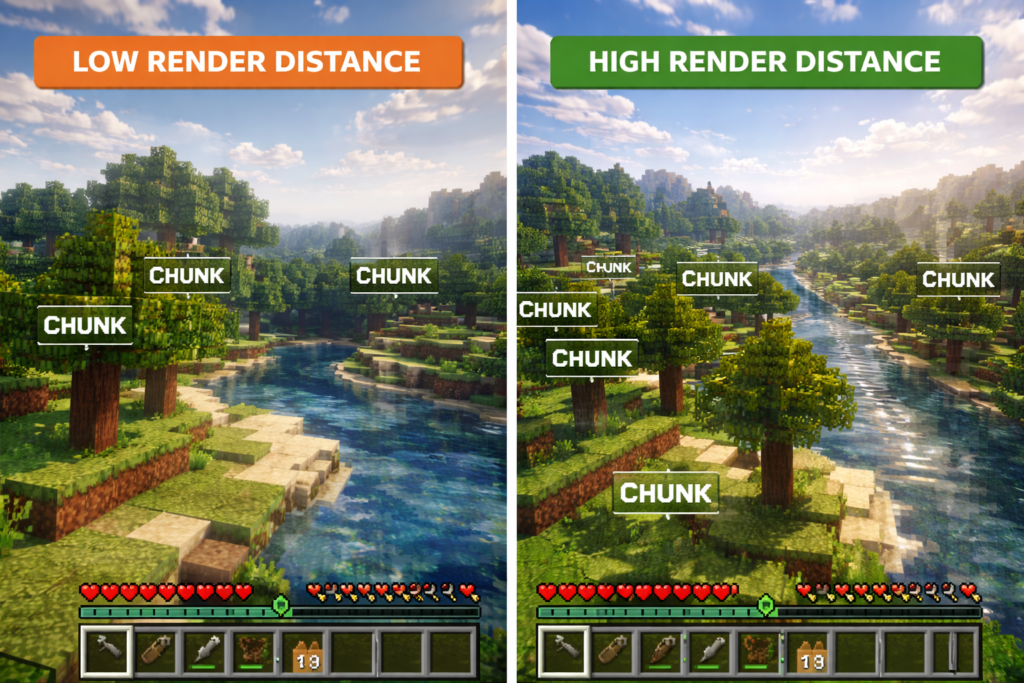
Render distance directly controls how much of the world your CPU must process.
- 8 chunks Smooth gameplay
- 12 chunks Balanced
- 16+ chunks Heavy CPU load
Reducing render distance is the single most effective FPS fix in Minecraft.
Do Mods Affect CPU or GPU?
Mods can significantly increase system load.
- Gameplay mods: CPU-intensive (AI, mechanics, automation)
- Visual mods: GPU-intensive (shaders, textures)
Large modpacks can double or even triple resource usage.
FAQ’s:
Does Minecraft use more CPU than GPU?
Yes, Minecraft is primarily CPU-bound due to real-time simulation and game logic processing.
Is Minecraft optimized for multi-core CPUs?
Not fully in Java Edition; it relies heavily on single-thread performance.
Why is my GPU not fully used?
Because the CPU is the bottleneck, limiting how fast frames can be processed.
Does upgrading the GPU improve FPS?
Only in shader-heavy or high-resolution scenarios.
What is the biggest cause of lag in Minecraft?
High render distance and CPU bottlenecks.
Conclusion:
Minecraft is fundamentally a CPU-driven game, where performance depends more on processing efficiency than graphical power. While the GPU enhances visual quality, the CPU determines how smoothly the game runs. Understanding this distinction allows you to optimize settings intelligently, eliminate bottlenecks, and achieve consistently high FPS even on mid-range hardware.