
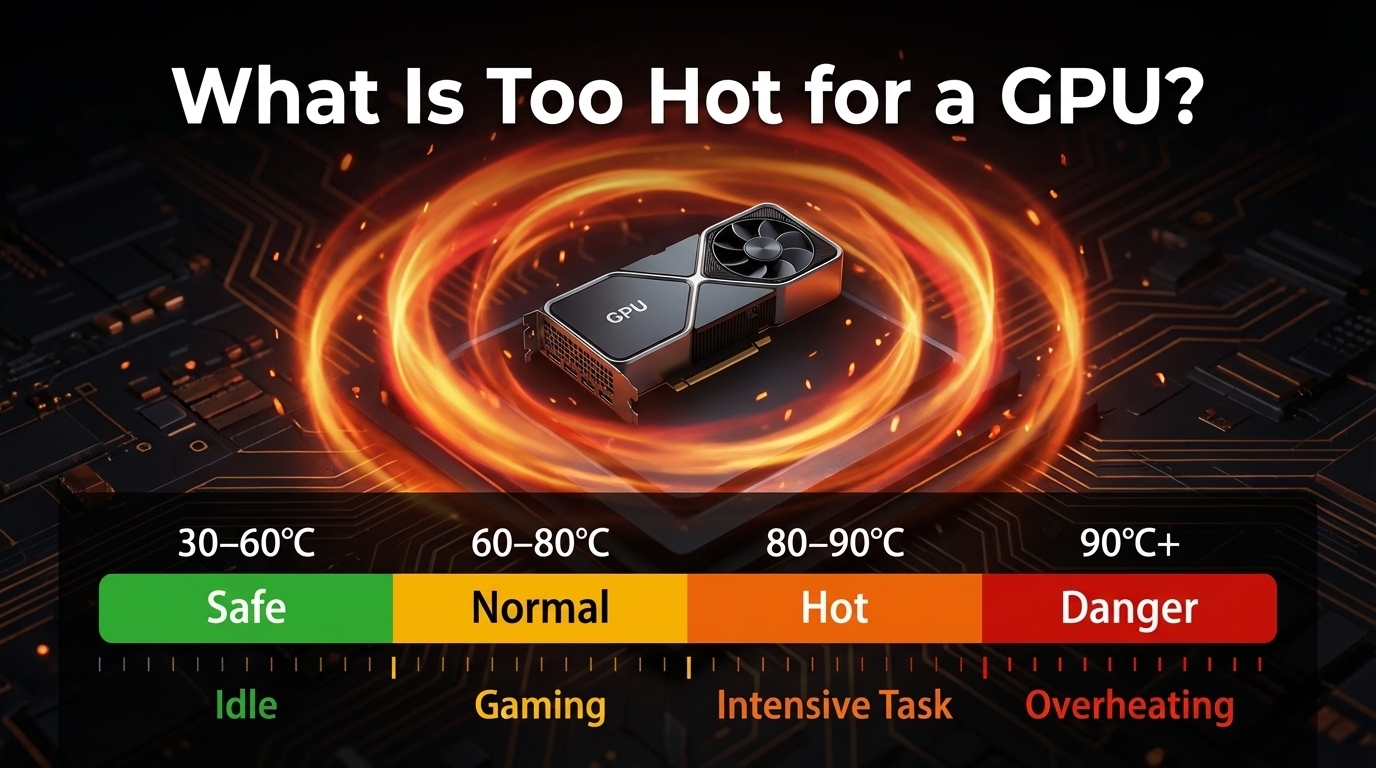
If your GPU hits 85°C while gaming, you might think something is wrong. In most cases, it is not. Modern GPUs are built to run hot, but there is a limit. Once temperatures stay too high for too long, performance drops, and hardware can wear out faster.
This guide explains what is too Hot for a GPU, safe GPU temperatures, dangerous heat levels, and how to monitor and manage your GPU effectively.
What Is a Safe GPU Temperature Range?
What Is a Safe GPU Temperature?
Current GPUs usually run safely between 60°C and 85°C under load. Idle temps should stay below 50°C for desktops, while laptops may idle at 50 to 60°C. Airflow, dust, and room temperature strongly influence safe ranges.
- Desktop GPUs (RTX 40-series, RX 7000) handle slightly higher temps due to advanced cooling.
- Laptops naturally run hotter; 70 to 85°C under load is normal.
What Temperature Is Dangerous for a GPU?
Extended high temperatures above 90°C risk long-term damage. Brief temperature spikes up to 88°C are acceptable, but repeated overheating stresses VRMs and memory. Older GPUs (pre-2020) are less tolerant.
What Is Normal GPU Temperature While Gaming?
| GPU Type | Normal Gaming Temp (°C) | Safe Max Temp (°C) | Notes |
| NVIDIA RTX 3060 to 4090 | 65 to 82 | 88 | Boost clocks may spike temps briefly |
| AMD RX 6600 to 7900 | 70 to 85 | 95 | Junction temp can be 10–15°C higher than core |
| Laptop GPUs | 75 to 90 | 95 | Compact cooling keeps temps high but safe |
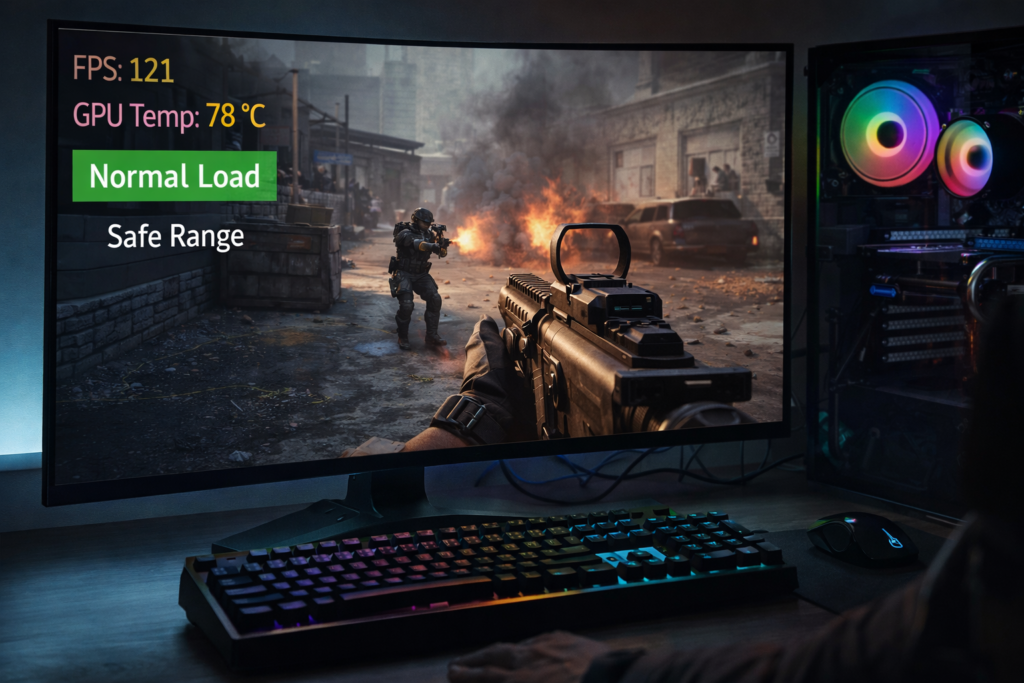
This shows a key difference: AMD GPUs are designed to tolerate higher temperatures, while NVIDIA GPUs tend to throttle earlier to maintain stability. Gaming temps depend on resolution, workload, and fan settings.
What Is Normal GPU Temperature at Idle?
At idle, desktop GPUs sit around 30 to 50°C. Laptops often idle at 50 to 60°C due to compact chassis and weaker fans. Temps above 60°C at idle may indicate dust, background tasks, or poor airflow. High idle temperature may also indicate background GPU usage or a poor cooling setup.
Should You Worry About GPU Heat Spikes?
Is 80 to 85°C Safe for a GPU?
If your GPU sits around 80 to 85°C during gaming, do not panic; this is completely normal for most modern systems. Desktop cards remain safe with good airflow; laptops may spike slightly higher due to compact design.
Is 90°C Dangerous for a GPU?
If it only touches 90°C for a few seconds, it is usually fine. The real problem starts when it stays there for minutes. Brief spikes may be safe, but ongoing high temps need intervention.
How Hot Should a GPU Run Normally?
What Is GPU Thermal Throttling?
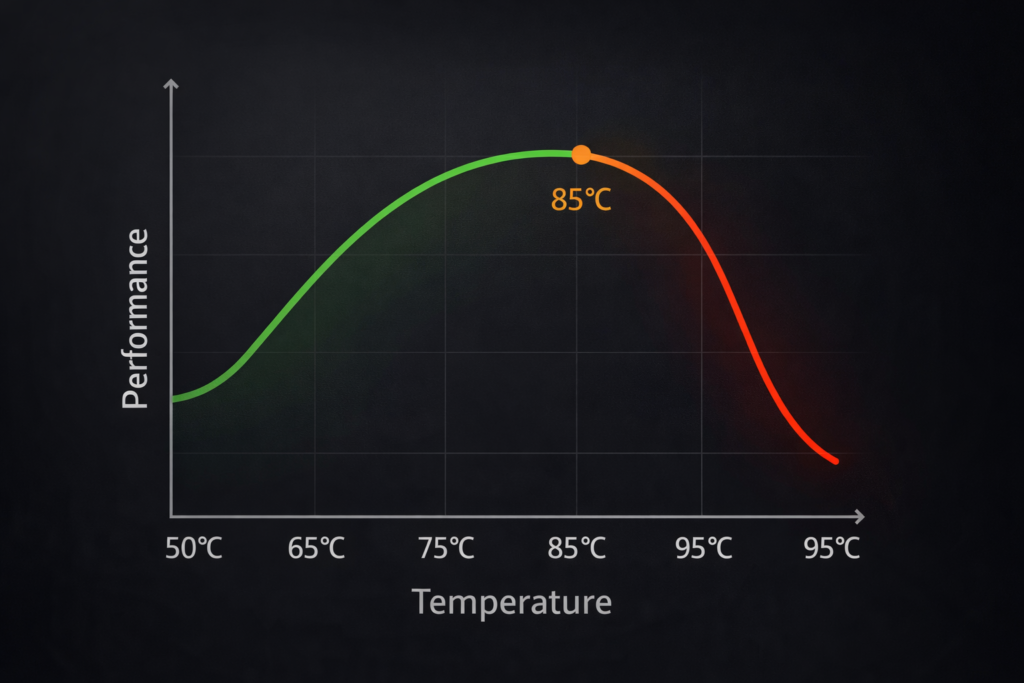
Thermal throttling reduces GPU clock speeds to prevent overheating. For example, an RTX 4070 throttles around 83 to 85°C; an AMD RX 7800 XT junction temp may reach 90 to 95°C.
NVIDIA GPUs are designed with built-in thermal limits, and once temperatures rise too high, they automatically reduce performance to stay within safe operating ranges.
What Is GPU Hotspot Temperature?
Hotspot temp is the die’s hottest point, usually 10 to 25°C higher than average core temp. Spikes are normal; sustained temperatures above 105 °C are dangerously too hot for a GPU.
AMD states that hotspot temperatures can safely reach higher levels than core temperature, often up to around 100 to 110°C under load.
Do GPUs Run Hot by Design?
Yes. Boost clocks intentionally push temps higher. Modern GPUs are engineered to handle these safely without damage. Think of it like a car engine: short bursts of heat are normal.
Why Is Your GPU Temperature So High?
Why Is My GPU Running Hot?
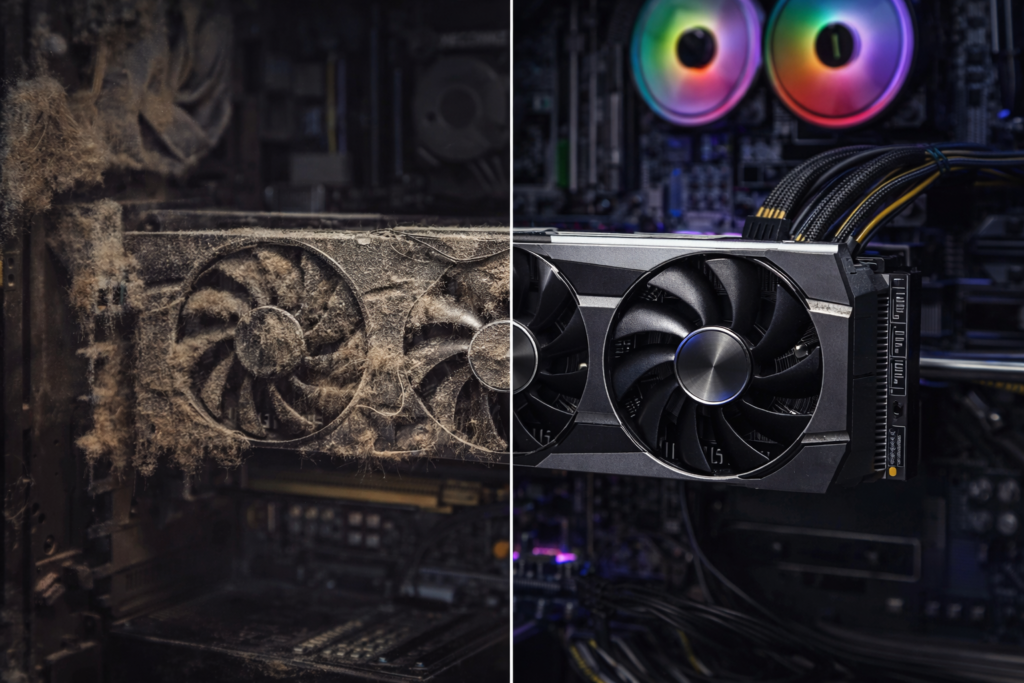
This is one of the most common causes of GPU overheating in gaming PCs. Poor airflow, dust buildup, high ambient temperature, overclocking, or old thermal paste often cause high temps. GPU-intensive workloads naturally raise heat, especially on laptops.
Also Read: What Does Overclocking a GPU Do?
How Does Usage Affect GPU Heat?
Do Laptop GPUs Run Hotter Than Desktops?
Yes. Laptops are 10 to 20°C hotter due to limited airflow and compact design, especially RTX 4000-series or AMD 7000M GPUs.
Does Room Temperature Affect GPU Heat?
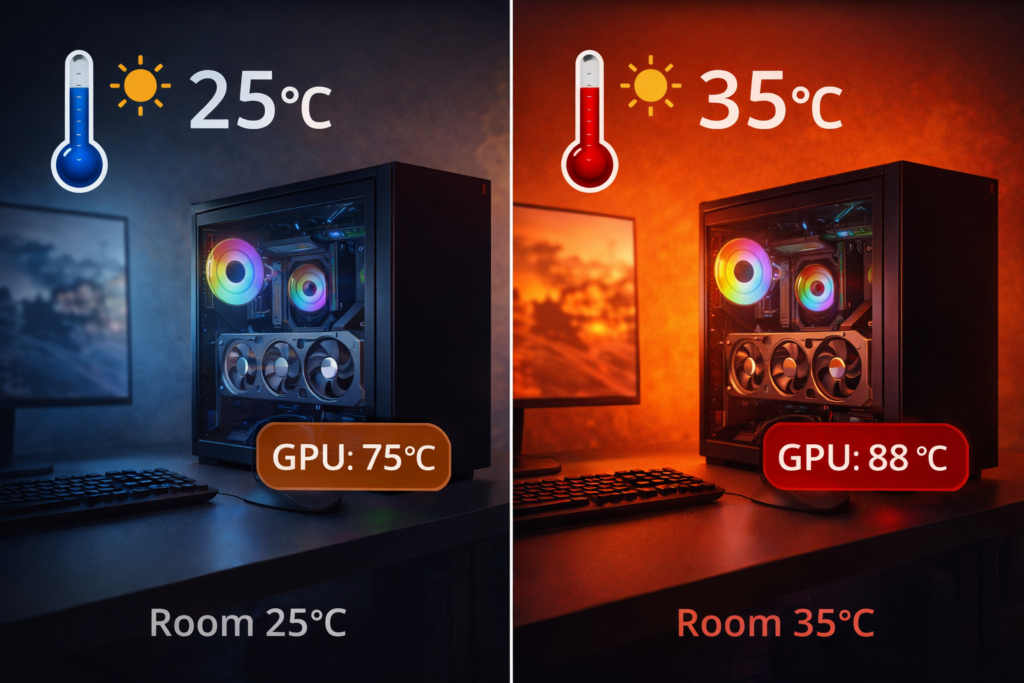
Absolutely. A 35°C room can raise GPU temps by 10–15°C compared to a 25°C room. Cooler environments help maintain performance and reduce wear.
When Is GPU Temperature Dangerous?
When Should You Worry About GPU Temperature?
If your GPU stays above 90°C for more than 10 to 15 minutes during normal use, it is a clear sign you need to improve cooling.
Sustained core temps above 90°C, maxed fan RPM, or performance throttling indicate danger. Occasional spikes are normal, but continuous high temps require action. Monitor with MSI Afterburner or HWInfo.
Read Guide: How to Monitor CPU Temperature?
FAQs
Can my GPU run at 85°C safely?
Yes. 85°C is generally safe for most modern desktop and laptop GPUs under load.
Is thermal throttling harmful to my GPU?
Not really. Thermal throttling is actually a safety features protect your GPU from damage by temporarily reducing clock speeds.
Why does my laptop’s GPU run hotter than my desktop’s?
Laptop GPUs are in compact spaces with less airflow, causing temperatures 10–20°C higher than desktops.
What is the ideal temperature range for gaming GPUs?
Most modern GPUs run safely between 70 and 85°C while gaming, with spikes up to 88°C being normal.
Can GPUs safely run above 95°C constantly?
No, sustained temps above 95°C can permanently damage GPU components and reduce lifespan.
Conclusion
Monitoring your GPU temperature is essential for maintaining performance and longevity. Modern GPUs can handle higher temperatures safely, but consistent overheating is a warning sign.
By understanding safe ranges, thermal throttling, and the impact of ambient conditions or laptop form factors, you can prevent damage, optimize cooling, and enjoy reliable performance across all gaming or creative workloads. Keeping your GPU within safe temperature limits improves performance, stability, and long-term reliability.