
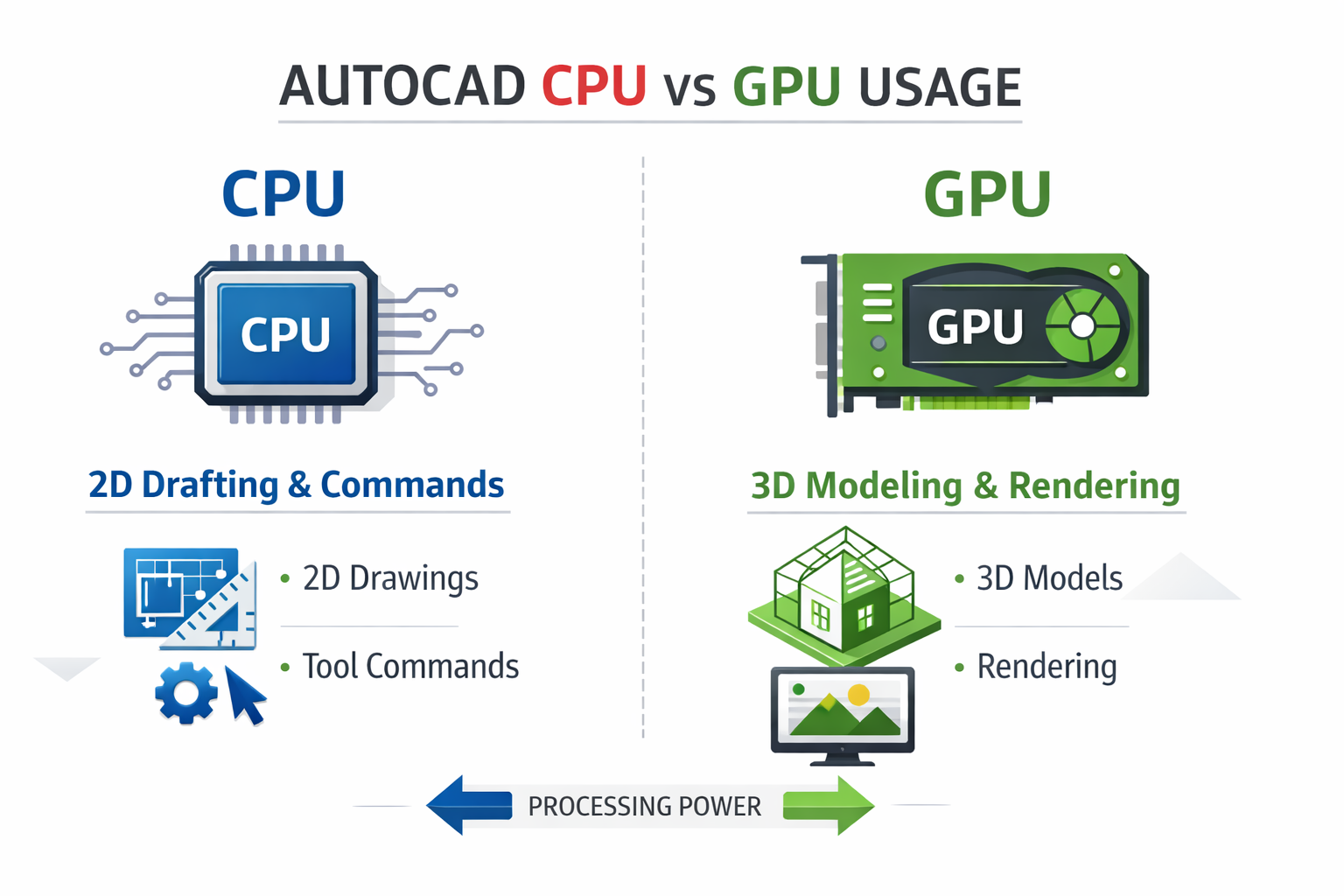
AutoCAD is mainly CPU-intensive, especially for 2D drafting and calculations. A strong single-core processor improves performance the most. GPU matters for 3D models, rendering, and smooth display, but for most users, a faster CPU has a bigger overall impact.
In this guide, you will learn that Is Autocad Cpu Or Gpu Intensive and how AutoCAD uses your hardware, and what you should prioritize for the best speed, stability, and overall workflow efficiency.
Does AutoCAD Use CPU or GPU?
AutoCAD uses both the CPU and GPU, but the CPU handles most of the core tasks. The GPU primarily improves display performance, especially in 3D views.
For example, when you run commands, edit drawings, or open large files, the CPU does the heavy work. The GPU helps make zooming, panning, and rotating smoother.
CPU vs GPU: Which Matters More?
For most users, CPU performance matters more than GPU performance.
- The CPU handles calculations, commands, and file operations
- The GPU improves 3D display and visual smoothness
- For 2D drafting, the GPU has minimal impact
If your drawings feel slow when using commands or opening files, upgrading the CPU will make the biggest difference.
Is AutoCAD Single-Core or Multi-Core?
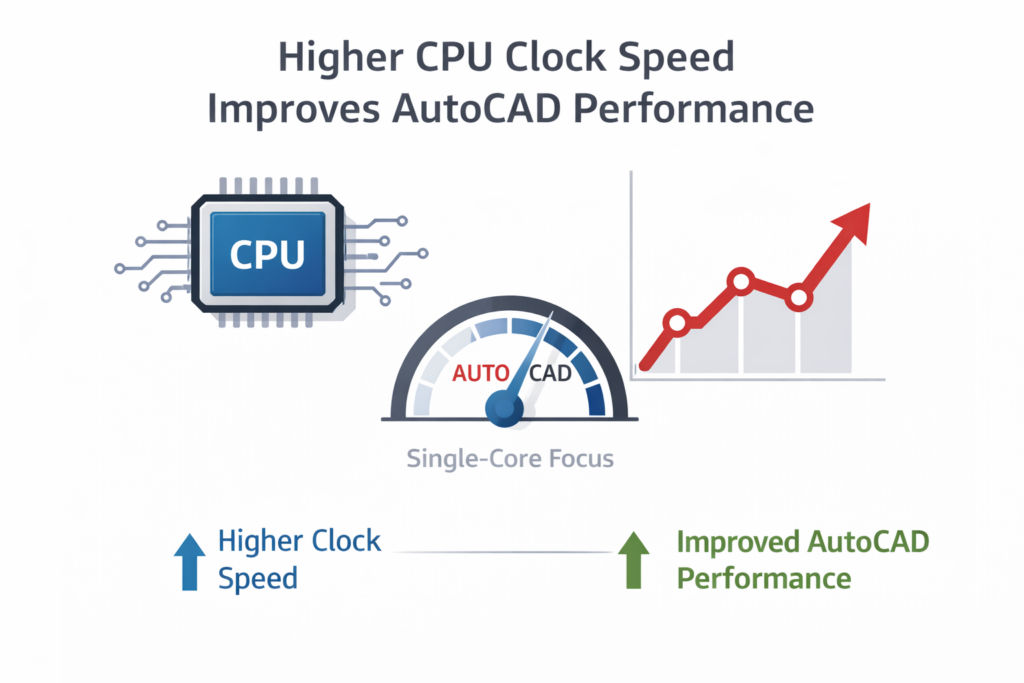
AutoCAD mainly depends on single-core performance. Most drawing operations run on a single core, although some tasks, such as rendering and file regeneration, can use multiple cores.
- Higher clock speed improves performance
- More cores help in rendering and background tasks
- Strong single-core speed should be your priority
Why AutoCAD Needs Strong Single-Core Speed?
Most AutoCAD commands run sequentially rather than in parallel. This is why higher clock speeds (GHz) improve overall performance.
Benefits of high single-core speed:
- Faster command execution
- Smooth zoom and pan
- Better performance with large drawings
- Faster file opening and saving
CPU Requirements for AutoCAD:
A modern processor with a high clock speed provides the best experience. For students and professionals, mid-range to high-performance CPUs work well.
Best CPU for AutoCAD:
Choose a processor known for strong single-core performance:
- Intel Core i5 or i7 (latest generation)
- AMD Ryzen 5 or Ryzen 7
- Minimum 3.0 GHz base speed (higher boost speed preferred)
How Much CPU Power Does AutoCAD Need?
AutoCAD itself is not extremely heavy, but performance depends on file size and complexity.
- Basic work: A mid-range CPU is enough
- Large drawings: High-performance CPU recommended
- 3D work: Faster processor improves stability and responsiveness
If you work with complex architectural or mechanical drawings, investing in a stronger CPU is worth it.
Intel vs AMD for AutoCAD:
Both Intel and AMD perform well if the processor has a high clock speed.
- Intel: Slight advantage in single-core performance
- AMD: Better value and strong multi-core performance
- The latest generation of processors always gives the best results
For most users, the difference is small. Focus on clock speed and generation, not brand.
GPU Requirements for AutoCAD:
A dedicated GPU helps mainly with 3D work and large models. For basic 2D drafting, integrated graphics are usually enough.
Do You Need a Dedicated GPU?
- 2D drafting: Integrated graphics work fine
- Basic 3D modeling: Entry-level dedicated GPU recommended
- Large or complex models: GPU improves smooth navigation and stability
If you experience lag while rotating or zooming in 3D, a better GPU will help.
Best GPU for AutoCAD:
Mid-range graphics cards are suitable for most users.
- NVIDIA GTX or RTX series
- AMD Radeon equivalent models
- Minimum 4GB VRAM
Workstation GPUs are useful for heavy professional workloads, but gaming GPUs provide excellent performance for most users.
Is a Gaming GPU Good for AutoCAD?
Yes. Gaming GPUs work well for AutoCAD.
- Smooth 3D performance
- Affordable compared to workstation GPUs
- Ideal for students, freelancers, and small offices
How Much VRAM Does AutoCAD Need?
VRAM helps handle large models and improves display performance.
- Minimum: 2GB
- Recommended: 4GB or more
- Large 3D projects: 6GB or higher
AutoCAD 2D vs 3D Performance:
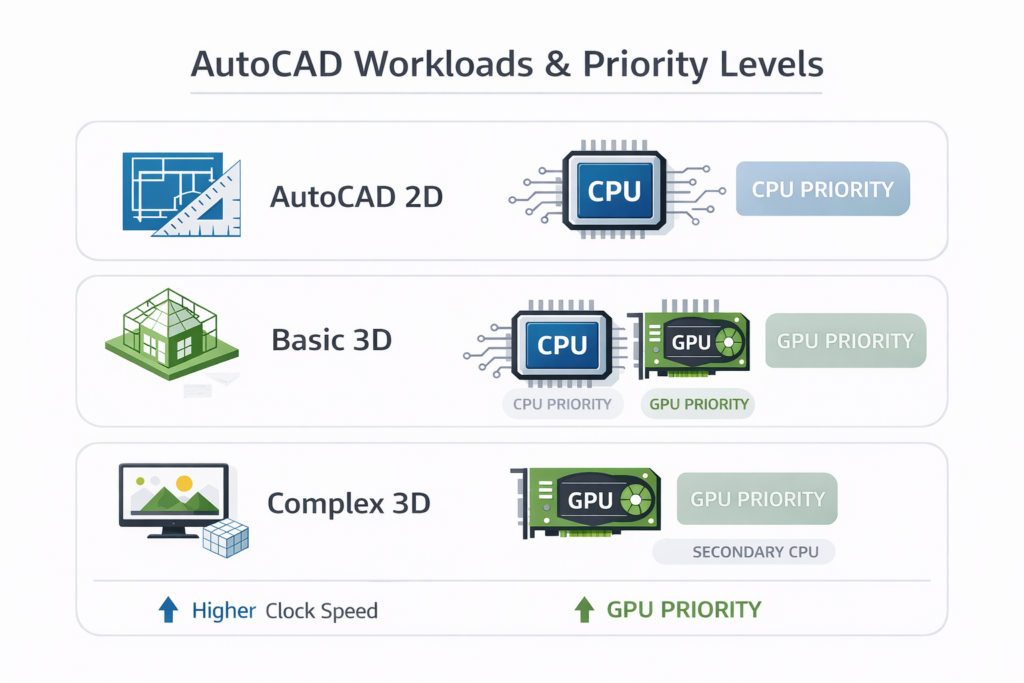
Hardware needs vary based on your workflow.
| Work Type | CPU Priority | GPU Priority |
| 2D Drafting | High | Low |
| Basic 3D | High | Medium |
| Complex 3D | High | High |
Is AutoCAD 2D CPU or GPU-intensive?
2D drafting depends almost entirely on CPU speed and RAM. A faster processor will improve overall responsiveness.
Does AutoCAD 3D Need a Powerful GPU?
Yes. A better GPU improves smooth rotation, visual quality, and real-time navigation in 3D environments.
How Much RAM Does AutoCAD Need?
RAM affects how smoothly AutoCAD runs, especially with large files.
| Usage Level | Recommended RAM |
| Basic 2D work | 8GB |
| Professional work | 16GB |
| Large 3D projects | 32GB |
Is 8GB RAM Enough?
Yes, for small projects and basic 2D work, but performance may slow if multiple programs are running.
Is 16GB RAM Enough?
Yes. This is the best choice for most users and provides smooth performance for both 2D and moderate 3D work.
Does AutoCAD Run Faster on SSD?
Yes. An SSD significantly improves:
- Software loading time
- File opening and saving speed
- Overall system responsiveness
How to Improve AutoCAD Performance?
Slow performance is usually caused by hardware limitations or heavy drawing files.
Why Is AutoCAD Running Slow?
- Low RAM or an outdated CPU
- Very large or complex drawings
- Too many background programs
What to Upgrade First?
- Upgrade RAM to 16GB
- Switch from HDD to SSD
- Upgrade the CPU if performance is still slow
Optimize AutoCAD for Low-End PCs:
- Turn off unnecessary visual effects
- Purge unused layers and blocks
- Avoid overly detailed drawings when possible
Best PC and Laptop for AutoCAD:
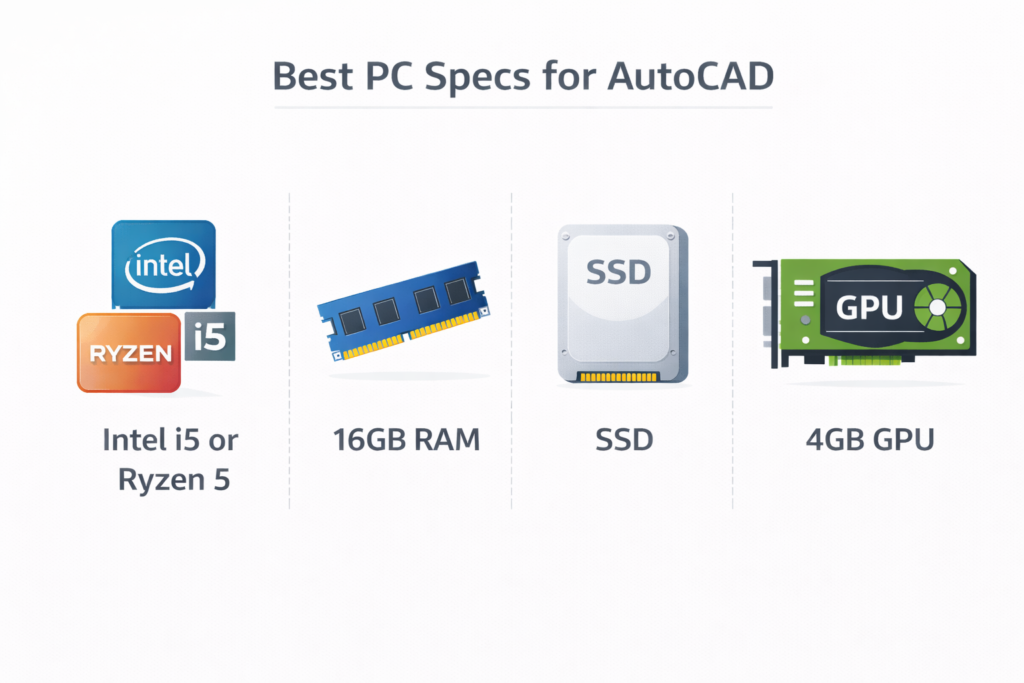
Balanced hardware provides the best value and long-term performance.
| Component | Recommended |
| CPU | Intel i5 / Ryzen 5 or better |
| RAM | 16GB |
| Storage | SSD |
| GPU | 4GB VRAM (for 3D work) |
Best Budget PC for AutoCAD:
A mid-range CPU with 16GB RAM and SSD storage is enough for most students and professionals working on 2D and basic 3D projects.
Best Laptop for AutoCAD Students:
Choose a laptop with:
- Intel i5 or Ryzen 5
- 16GB RAM
- SSD storage
- Dedicated GPU if you plan to work in 3D
FAQ’s:
Is AutoCAD more CPU-intensive than GPU?
Yes. AutoCAD relies mostly on CPU speed, especially for 2D drafting and command processing.
Can AutoCAD run without a dedicated graphics card?
Yes. Integrated graphics are enough for basic 2D work, but a dedicated GPU helps with 3D tasks.
Is 8GB RAM enough for AutoCAD?
Yes, for small projects and 2D drawings, but 16GB is recommended for smoother performance.
What is the minimum system requirement for AutoCAD?
A modern dual-core CPU, 8GB RAM, SSD storage, and basic graphics support are enough for
basic use.
Which hardware upgrade improves AutoCAD performance the most?
Upgrading to 16GB RAM and using an SSD usually gives the biggest performance improvement.
Conclusion:
AutoCAD is primarily CPU-intensive, especially for 2D drafting and daily operations. A processor with strong single-core performance, sufficient RAM, and SSD storage provides the biggest improvement in speed and stability.
A dedicated GPU is helpful mainly for 3D work and large models. By choosing the right balance of CPU, RAM, storage, and GPU, you can ensure smooth and reliable AutoCAD performance.